
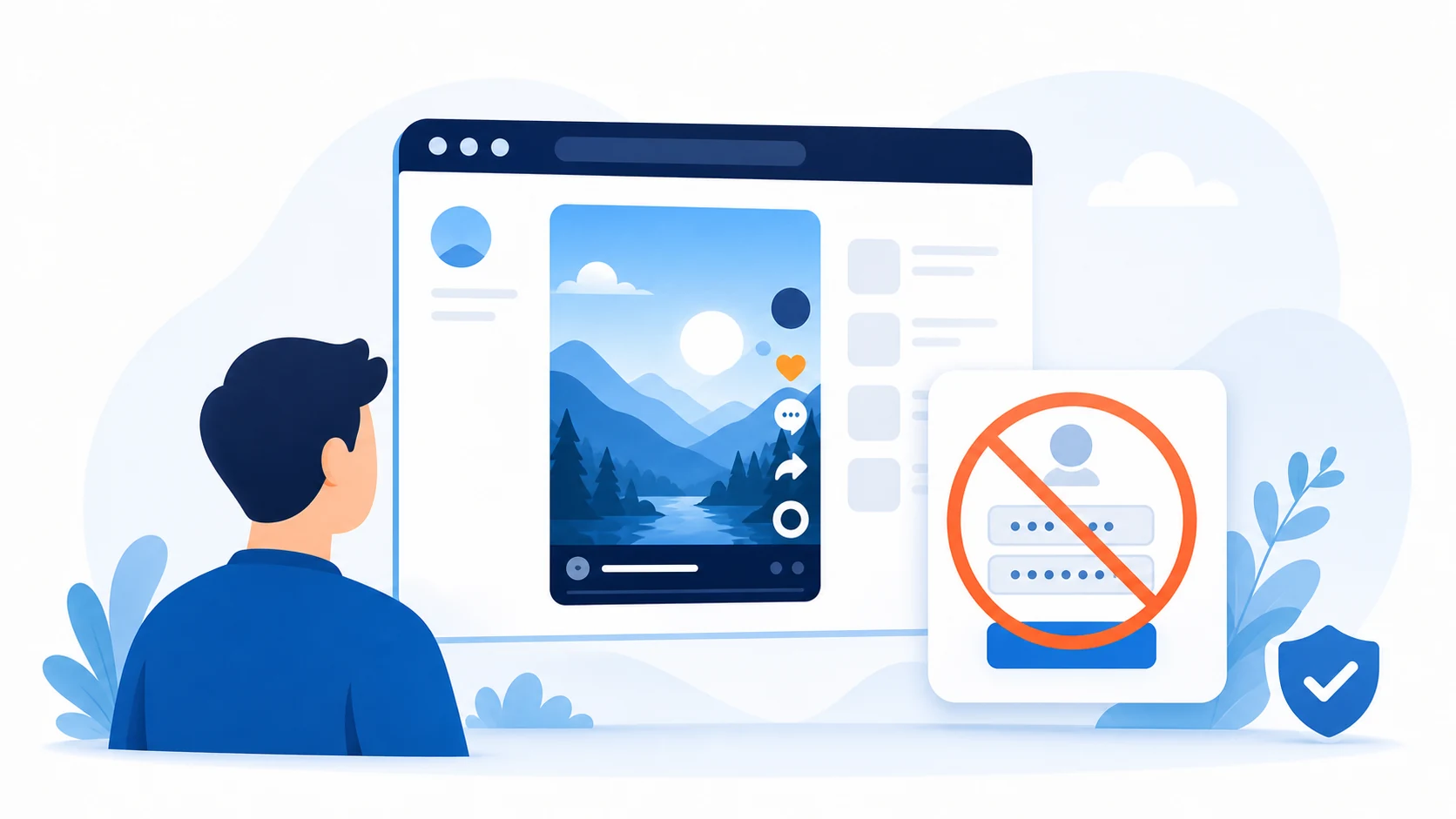
No TikTok Login Required
Browse supported public content without connecting a TikTok account or entering your social media password.
View supported public TikTok profiles and videos directly in your browser. Enter a TikTok username or paste a public profile link to browse available content without installing the app or signing in to a TikTok account.
Public content only. Private profiles, deleted videos, restricted content, and information hidden by the account owner cannot be displayed.
TikBrowse is a browser-based TikTok viewer created for opening supported public profiles and videos in a simple, focused interface.
Instead of installing an application or signing in to TikTok, enter a public username or profile URL to view information currently available from the public source. Depending on availability, this may include the creator’s profile picture, bio, public videos, and visible engagement information.
TikBrowse is read-only. It does not provide access to private accounts, hidden content, direct messages, drafts, deleted videos, or information that is not publicly available.
TikBrowse is independent and is not affiliated with, endorsed by, or sponsored by TikTok or ByteDance.
Need to save a public video? Use our TikTok Video Downloader to open the available MP4 download options.
 1
1Copy a public username such as @username or the complete profile URL from TikTok.
 2
2Enter the username or URL and select View Profile. Check the spelling and make sure the link points to a public profile.
 3
3When the profile is publicly accessible and supported, TikBrowse displays available profile information and videos in a clean browser view.
Availability can change if the owner updates privacy settings, removes a video, changes their username, or restricts access.
Browse supported public content without connecting a TikTok account or entering your social media password.
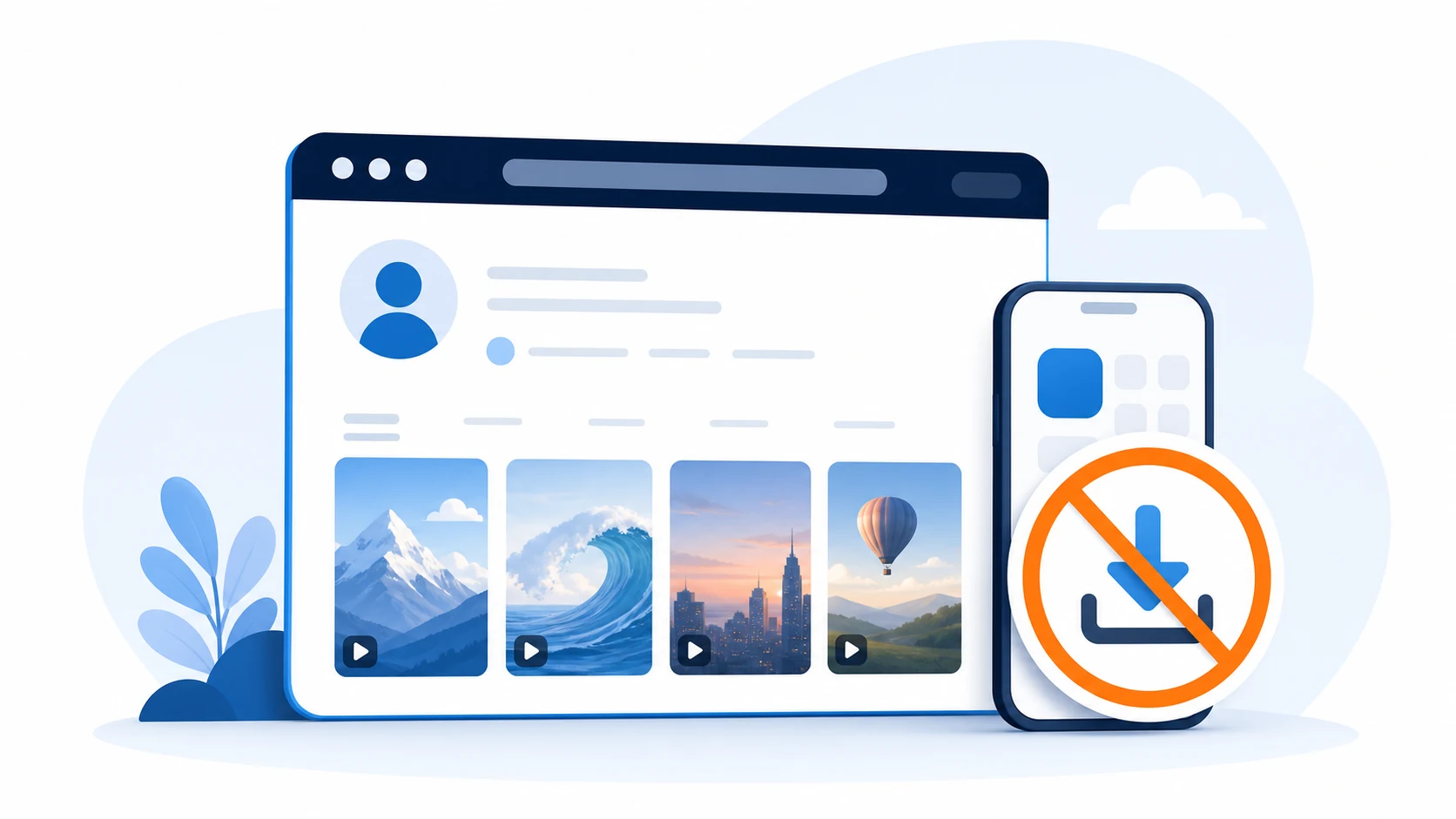
Use the viewer in a modern browser without installing the TikTok app, an extension, or additional software.

Open the profile or video you intended to view without navigating an algorithmic feed or unrelated recommendations.

Use TikBrowse on current Android, iPhone, iPad, Windows, macOS, Linux, and other supported browsers.

TikBrowse does not unlock private profiles or bypass privacy settings. Only supported public information can be shown.
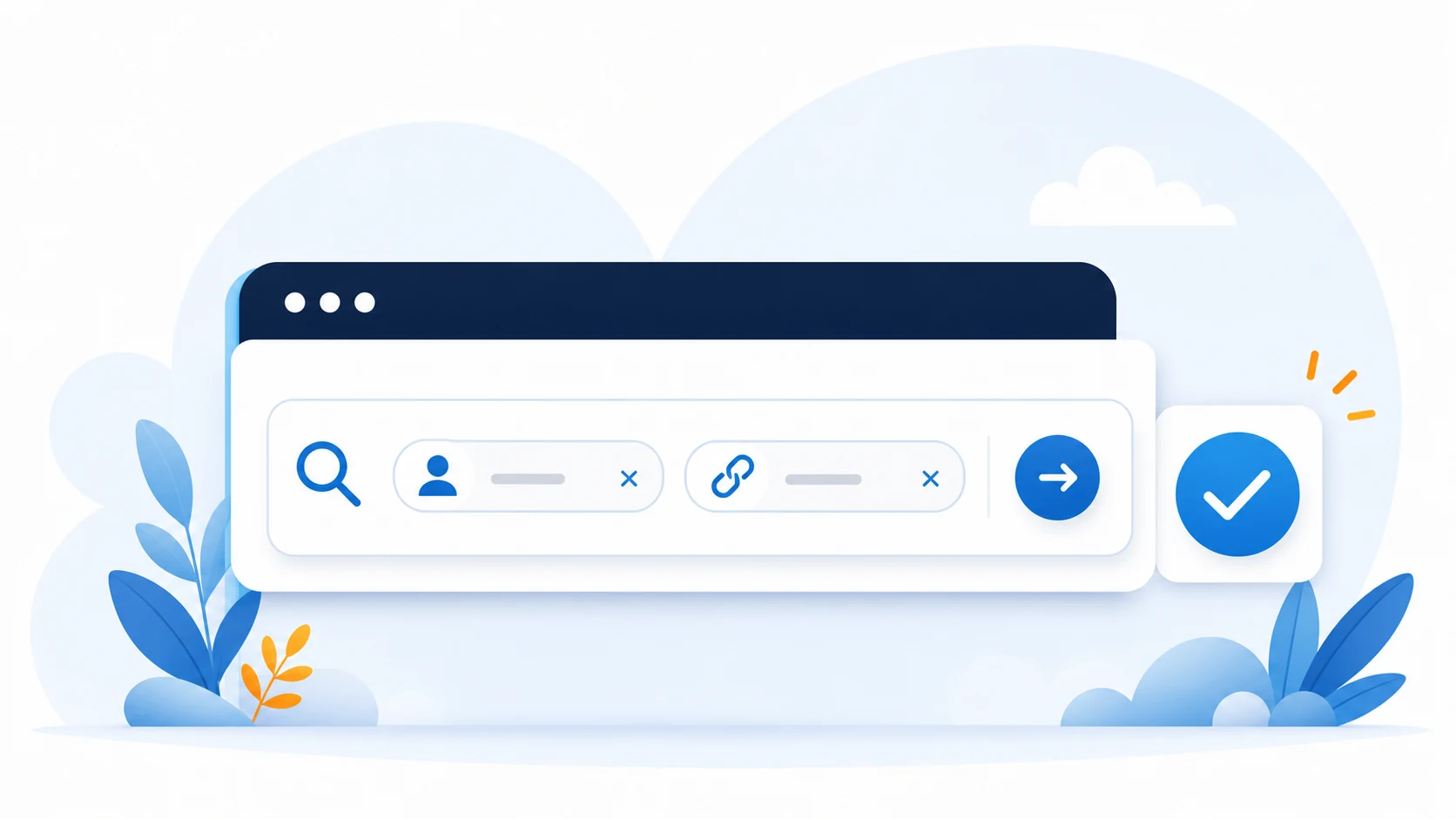
Search with a public username or supported profile URL, with clear messages for incorrect or unsupported input.

View available account details such as username, display name, bio, and profile picture.

Browse videos made public by the account owner. Removed, private, restricted, or unsupported videos will not appear.

Where available, TikBrowse may show follower and following counts, total likes, and other basic public metrics.

Some video pages may include visible views, likes, comments, or shares when the source makes those details available.
Public statistics change frequently and should not be treated as permanent or independently verified data.
TikBrowse is useful when you receive a public TikTok link but do not want to create an account or install the mobile app. Open the site in a supported browser, enter a username or profile link, and view the available result on a phone, tablet, laptop, or desktop computer.
Not signing in should not be confused with complete online anonymity. Like other websites, TikBrowse may process standard technical information needed for security, performance, and error prevention, as described in our Privacy Policy.
Interactive TikTok functions are not available through this read-only viewer. To follow creators, publish videos, send messages, like posts, or leave comments, use the official TikTok service.
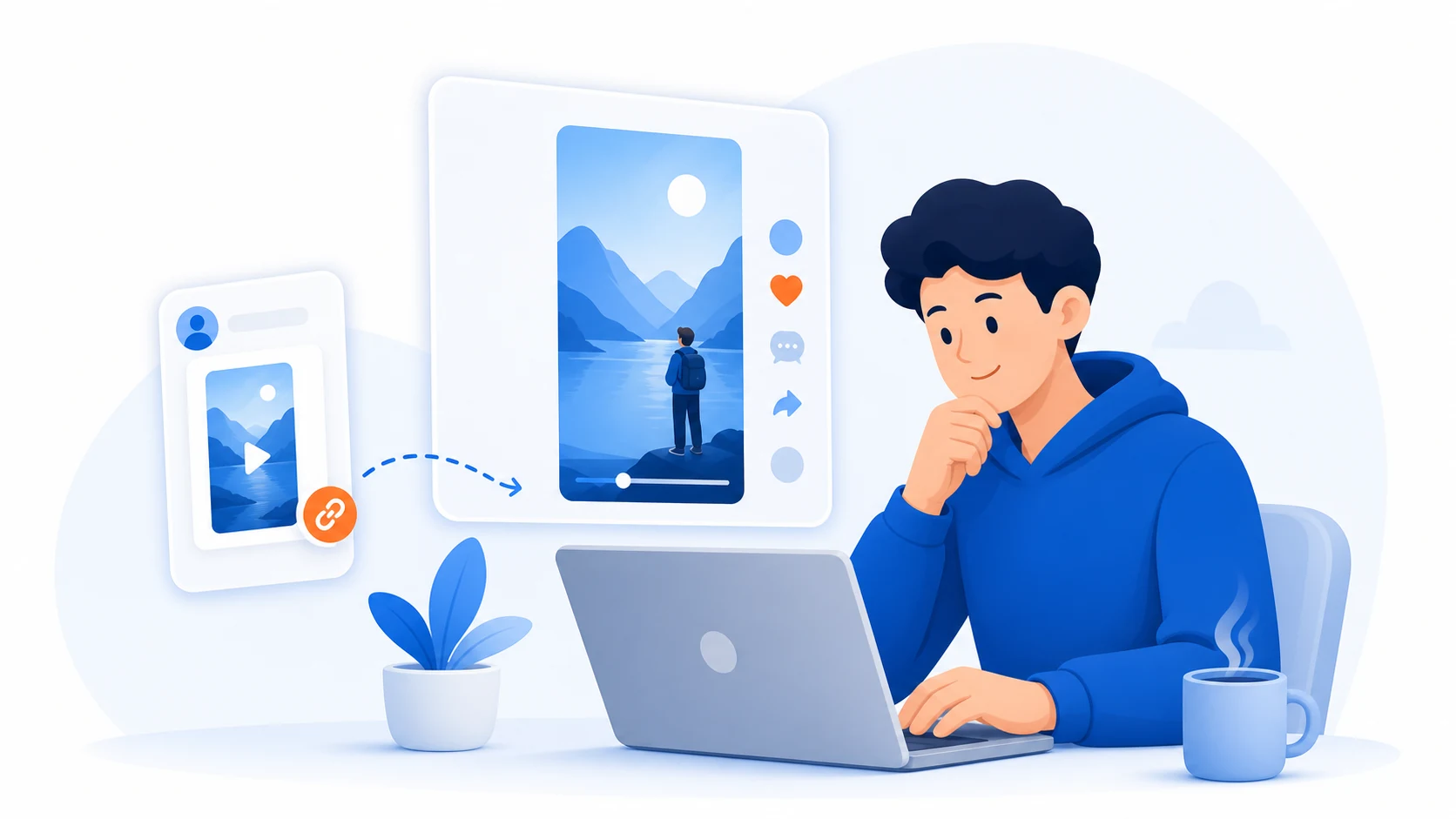
Open a public profile or video shared by a friend without installing another application or creating an account.

Review public content for inspiration and format research while creating original work and respecting creators’ rights.

Compare visible content strategies and public engagement information. Metrics do not prove audience quality or authenticity.

Access public material for research while verifying important names, dates, statements, and media through additional sources.
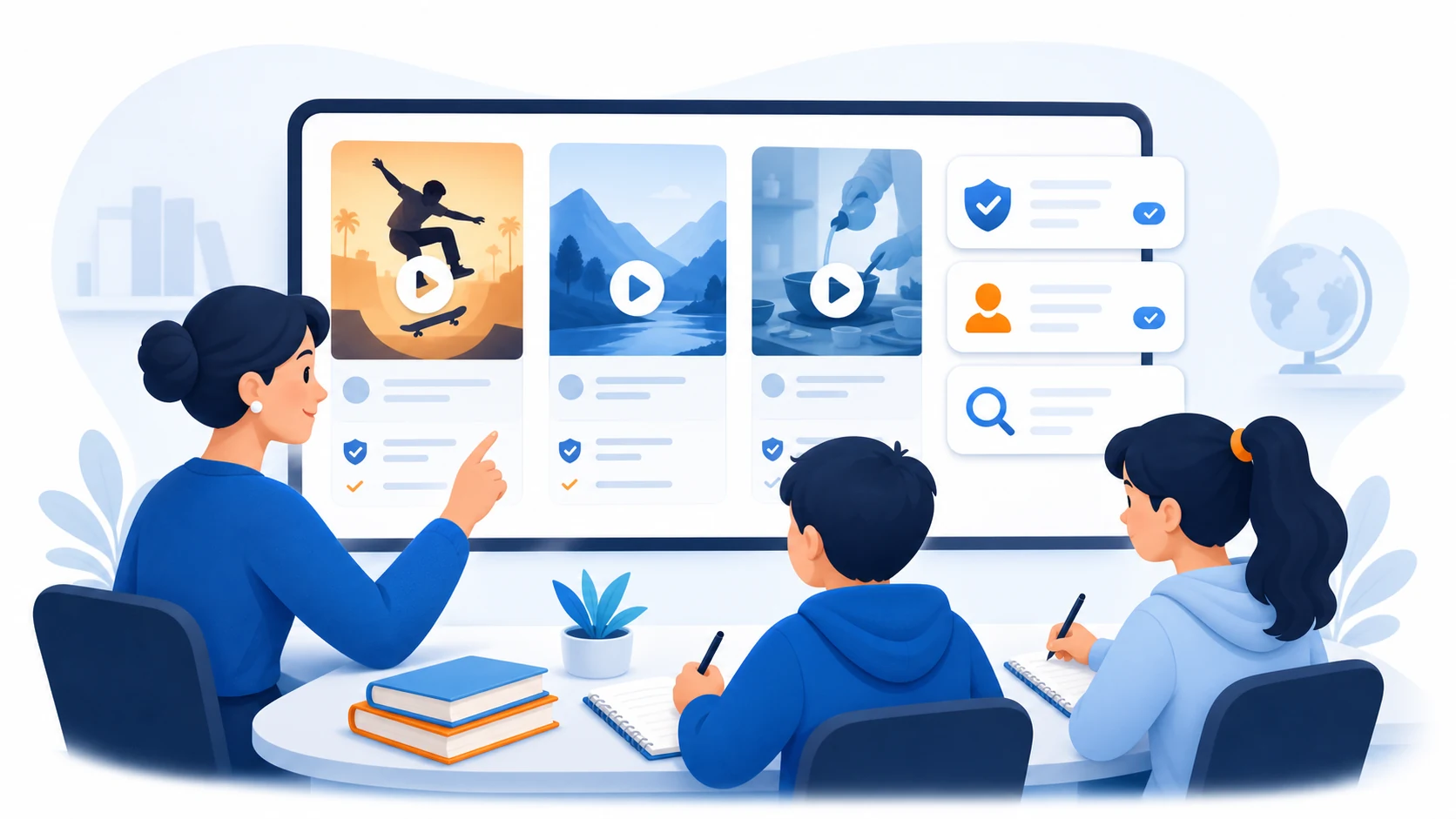
Review public online communication while practicing media literacy, source evaluation, and responsible citation.
TikBrowse may be unable to display a profile or video when:
Check the username or copy the complete public profile URL again. If it remains unavailable, its content may no longer be publicly accessible.
Learn how public TikTok viewing works, why some profiles are unavailable, and how to save supported videos responsibly.

You do not always need a TikTok account to open a public profile or watch a public video. When content is publicly available, it may be possible to view it through a regular web browser without creating an account or entering login details.

A public TikTok profile can contain videos, a profile image, a bio, usernames, and visible engagement statistics. When you do not want to install an application or sign in, you can use an online profile viewer to open supported public information in a browser.

A public TikTok video can be saved when a downloadable version is available and you have permission to use the content.

Downloading a TikTok video is not automatically legal or illegal in every situation.
TikBrowse cannot reveal content from a private account or bypass an account owner’s privacy choices. It does not provide password lookup, hidden follower lists, private video access, or any method for circumventing platform restrictions.
Public availability does not place a profile, video, image, caption, or username in the public domain. Do not use TikBrowse to harass people, collect sensitive information, impersonate creators, monitor individuals harmfully, or republish content without permission.
Respect copyright, privacy, personality rights, platform rules, and the choices of account owners.
A TikTok viewer is a web-based tool for opening supported public TikTok profiles and videos in a browser. TikBrowse lets you search using a public username or profile URL without signing in to TikTok.
Yes. TikBrowse does not require a TikTok account for its supported public-profile viewing flow. Enter a public username or profile link to see the available result.
No. TikBrowse works in a modern mobile or desktop browser and does not require a separate application or browser extension.
No. TikBrowse only displays supported public content. It cannot unlock private accounts, hidden videos, drafts, direct messages, or information protected by privacy settings.
TikBrowse does not sign in through your TikTok account or send a TikTok profile-view notification on your behalf. The service should not be treated as providing absolute internet anonymity.
You can open supported videos published by public accounts when those videos are currently accessible from the source.
Yes. Enter the public username with or without the @ symbol. You may also paste a supported public profile URL.
TikBrowse is designed for current mobile browsers on supported iPhone, iPad, and Android devices. It can also be used on desktop computers.
The username may be incorrect, or the account may be private, removed, renamed, restricted, or temporarily unavailable. Try copying the complete public profile URL again.
No. TikBrowse is an independent service and is not affiliated with, endorsed by, or sponsored by TikTok or ByteDance.
Enter a public TikTok username or profile link and browse the available content directly in your browser.
Open TikTok Viewer